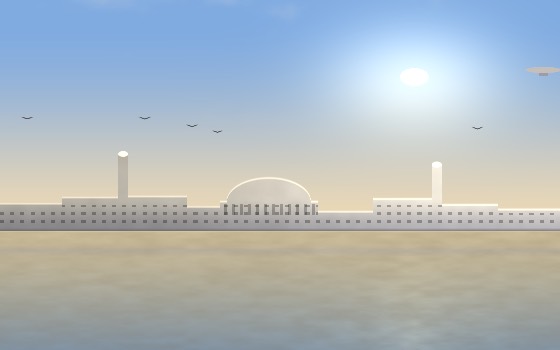
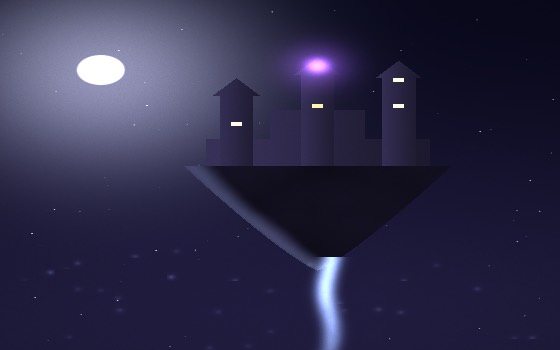
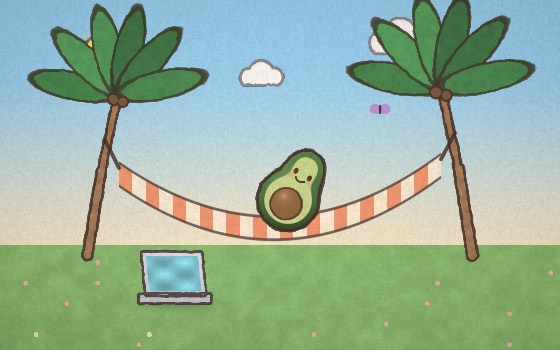
Drag Driftscape into Applications, click the 🌙 in your menu bar, and your desktop starts breathing.
macOS says the app is from an unidentified developer
Driftscape isn't notarized by Apple yet, so macOS blocks it on first open. On macOS 15 and later, right-click → Open no longer works: open System Settings → Privacy & Security, scroll to the message about Driftscape, and click Open Anyway. On macOS 14 and earlier, right-click the app → Open → Open. Either way macOS remembers, and every launch after that is a normal double-click.
You should always be careful doing this. So that you can check you got the real file, here is the SHA-256 of the download — run shasum -a 256 ~/Downloads/Driftscape.dmg and compare:
f6d8a4cab8fe7001c5dc691d4e190e62890dd67a04c849cd88e70a32c97a4700
What does it need to run?
macOS 12 Monterey or newer, Apple Silicon or Intel. Driftscape renders below native resolution on Intel machines and pauses whenever the desktop isn't visible, so it stays around 1% CPU either way.
How does the Pro license work?
Buy once, get a license key by email, paste it into Settings → License. It verifies once and is stored in your macOS keychain — no account, works offline afterwards.
Does Driftscape phone home?
No. There's no analytics and no account. The only network call the app ever makes is the one-time license check when you activate Pro.